How Computers Work: From Hardware to Operating Systems
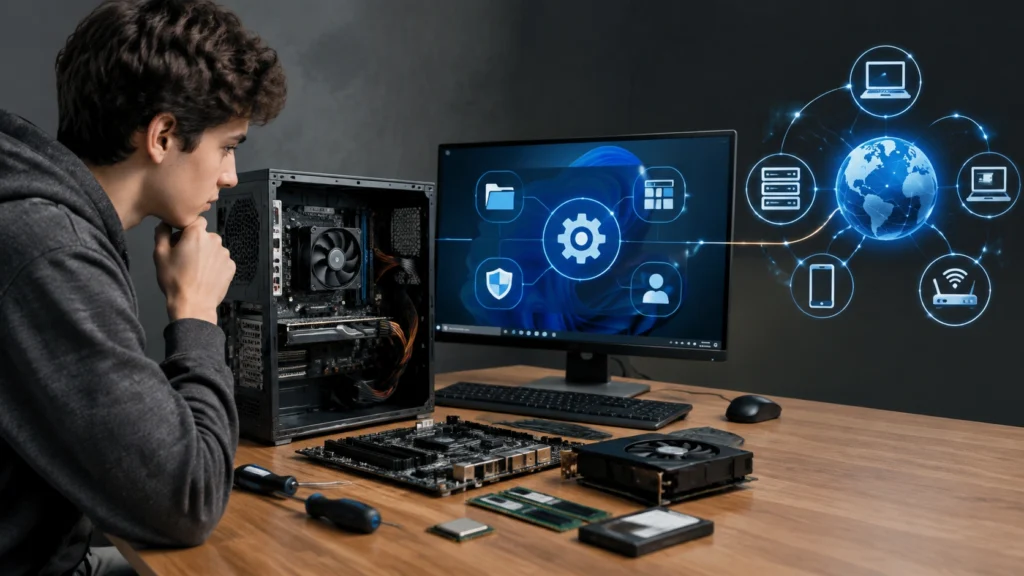
Computers can look like mysterious black boxes, but their basic operation follows a clear chain of responsibilities. This guide explains technologie informatyczne in approachable terms, showing how hardware, architecture, and operating systems cooperate. The central question is simple: how does a computer work hardware and operating system basics? Once you can picture the flow of data, each component becomes easier to understand.
A Simple Mental Model of a Computer
Imagine a computer as a busy workshop. The processor is the skilled worker, memory is the workbench holding active materials, storage is the archive room, and the operating system is the supervisor coordinating tasks. Input devices bring in instructions, while output devices present results. This model is useful because it separates doing, remembering, storing, and coordinating.
When you press a key, the input travels through hardware pathways to the processor. The operating system decides which program receives the event. The program requests data from memory, performs calculations, and asks the graphics or audio system to produce output. Each step has a defined role, and no single component does everything alone.
Core Hardware Components
Central Processing Unit
The central processing unit, or CPU, carries out instructions. It reads data, performs arithmetic and logical operations, then stores results. Modern CPUs contain multiple cores, allowing several tasks to run in parallel. A core follows a repeated cycle: fetch an instruction, decode it, execute it, and write back the result. Clock speed affects how quickly this cycle can occur, but software efficiency and memory access also matter greatly.
Memory and Storage
Random access memory, known as RAM, holds data and programs that are currently in use. It is fast but temporary: when power is removed, its contents disappear. Storage devices such as solid-state drives keep data over time. A useful comparison is a desk and a filing cabinet. RAM is the desk where active documents are spread out, while the drive is the cabinet used for long-term storage.
When a program starts, the operating system loads necessary files from storage into RAM. The CPU then works with this faster temporary memory. If RAM becomes full, the system may move less active data back to storage, which can slow performance because storage access takes longer.
Motherboard and Buses
The motherboard connects the major components through electrical pathways called buses. These buses carry data, addresses, and control signals. The chipset manages communication between the processor, memory, storage, and expansion devices. Because every exchange crosses these pathways, bus speed and efficiency influence overall responsiveness.
Power and Cooling
Power supply units convert electricity into stable voltages used by internal components. Cooling systems remove heat generated during computation. Excessive heat can force the processor to reduce its speed to protect itself, so cooling directly affects sustained performance.
Computer Architecture: How the Pieces Fit
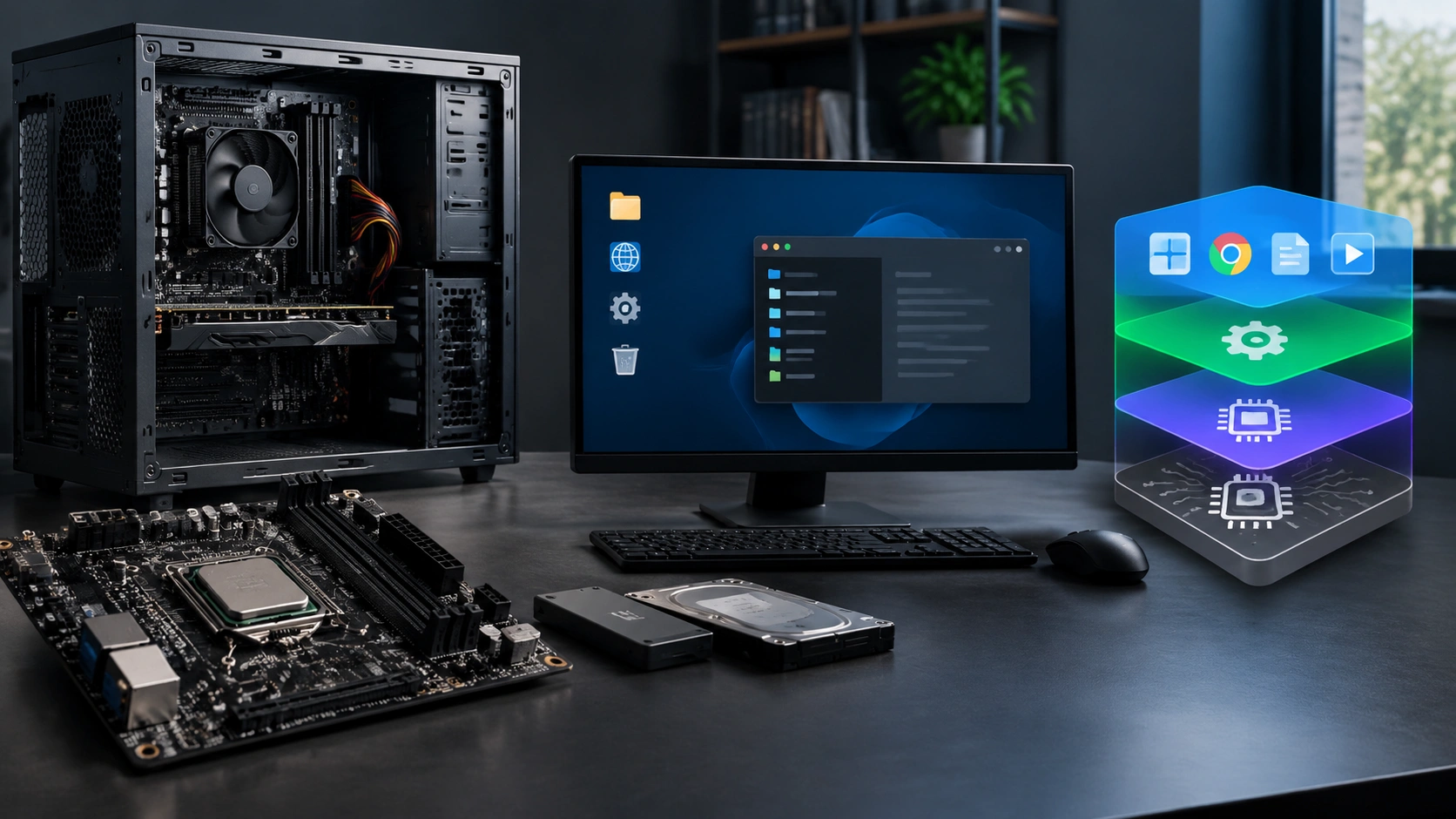
Computer architecture describes the design and organization of a system rather than one specific device. It defines how the processor communicates with memory, how instructions are represented, and how input and output devices are addressed. Students often visualize architecture as a layered diagram.
At the center sits the processor, connected to main memory. Storage and peripherals attach through controllers and buses. The processor includes registers for very small, extremely fast storage locations, along with cache memory that keeps frequently used data close to the core. This hierarchy balances speed, cost, and capacity: registers are fastest and smallest, RAM is larger but slower, and storage is slowest but persistent.
Architecture also determines how the system handles data. A 64-bit processor can handle larger address spaces and process data in wider chunks than a 32-bit design, though actual performance depends on software and hardware working together. Instruction sets define the operations a processor understands, allowing different programs to communicate with hardware through a stable vocabulary.
What an Operating System Does
An operating system, or OS, is software that manages hardware resources and provides services to applications. It sits between user programs and the physical machine. Without it, every application would need detailed knowledge of processors, memory layouts, disks, and devices.
The OS performs several major jobs:
- Process management: It decides which programs run, when they run, and how long they may use the processor.
- Memory management: It assigns memory regions to programs and prevents them from interfering with one another.
- File management: It organizes data into files and directories, tracking names, locations, permissions, and timestamps.
- Device management: It communicates with keyboards, displays, printers, network adapters, and storage through drivers.
- Security and access control: It verifies users, applies permissions, and protects critical resources.
Processes, Threads, and Scheduling
A process is a running program with its own memory space. Threads are smaller units of work inside a process. The scheduler rapidly switches between ready tasks, creating the impression that many programs run at once. On a multicore processor, several threads can truly execute in parallel, while other tasks wait for their turn.
File Systems and Drivers
A file system defines how bytes become meaningful names and folders. It records where data blocks are located and whether they are free or in use. Drivers translate general operating system requests into instructions understood by specific hardware. When a new device is connected, the correct driver allows the OS to communicate with it reliably.
Boot Sequence: From Power Button to Desktop
When a computer starts, firmware performs a power-on self-test and identifies essential hardware. It then locates a bootable storage device and loads the operating system kernel. The kernel initializes core services, mounts the file system, starts background processes, and prepares the graphical interface. Finally, user login and startup applications appear. This sequence transforms raw hardware into a usable environment.
Putting It All Together
A complete computation follows a predictable path. Input creates a request, the operating system schedules the relevant process, the CPU fetches instructions, memory supplies active data, and controllers deliver output. Storage preserves information beyond the current session. Every layer depends on the layers below it, while each layer hides unnecessary complexity from the layers above.
For students, the best approach is to draw the system as boxes and arrows. Label the CPU, RAM, storage, buses, operating system, and applications. Then trace one action, such as opening a document or playing a video. Visualizing the path makes abstract concepts concrete and reveals why upgrades affect performance differently. More RAM helps when many programs compete for active memory, while faster storage improves file access, and additional processor cores benefit parallel workloads.
Understanding these fundamentals creates a strong foundation for networking, programming, cybersecurity, and systems administration. Computer architecture explains what the machine can do, hardware provides the physical capability, and the operating system turns those capabilities into a coordinated, secure, and usable experience.