Home / Data & Artificial Intelligence
How Artificial Intelligence Powers Everyday Apps
Artificial intelligence is no longer a distant research topic. It sits inside the apps people open before breakfast, during the commute and at the end of the day. In technologie informatyczne, AI is often described as a set of methods that help computers learn patterns, make predictions and generate useful outputs. In daily use, the same idea appears as a recommendation, a spoken answer or a cleaner photo.
This guide explains how artificial intelligence is used in daily life examples that most readers already encounter. It also shows what the software is really doing, where the limits are and how to get better results without becoming an expert.
Recommendations that shape what you watch and hear
Streaming services, news feeds and online shops use recommendation systems to narrow a huge catalog into a short list. The system compares your past behavior with similar users and with the features of each item: genre, length, price, release date or reading time. It then estimates which pieces you are most likely to enjoy or buy.
The visible result is a row of titles, songs or products. Behind it, the model continuously updates its guess when you pause, skip, save or purchase. This is why a single click can change the next set of suggestions. The system is not reading your mind; it is matching signals to patterns learned from large amounts of interaction data.
Recommendations also illustrate a useful trade-off. A model optimized only for clicks may keep showing familiar material, which can create a narrow filter bubble. Many platforms therefore mix strong predictions with new or diverse items. As a user, you can improve the balance by saving content you value, skipping what you do not want and clearing old history when your interests change.
Voice assistants and the path from speech to action
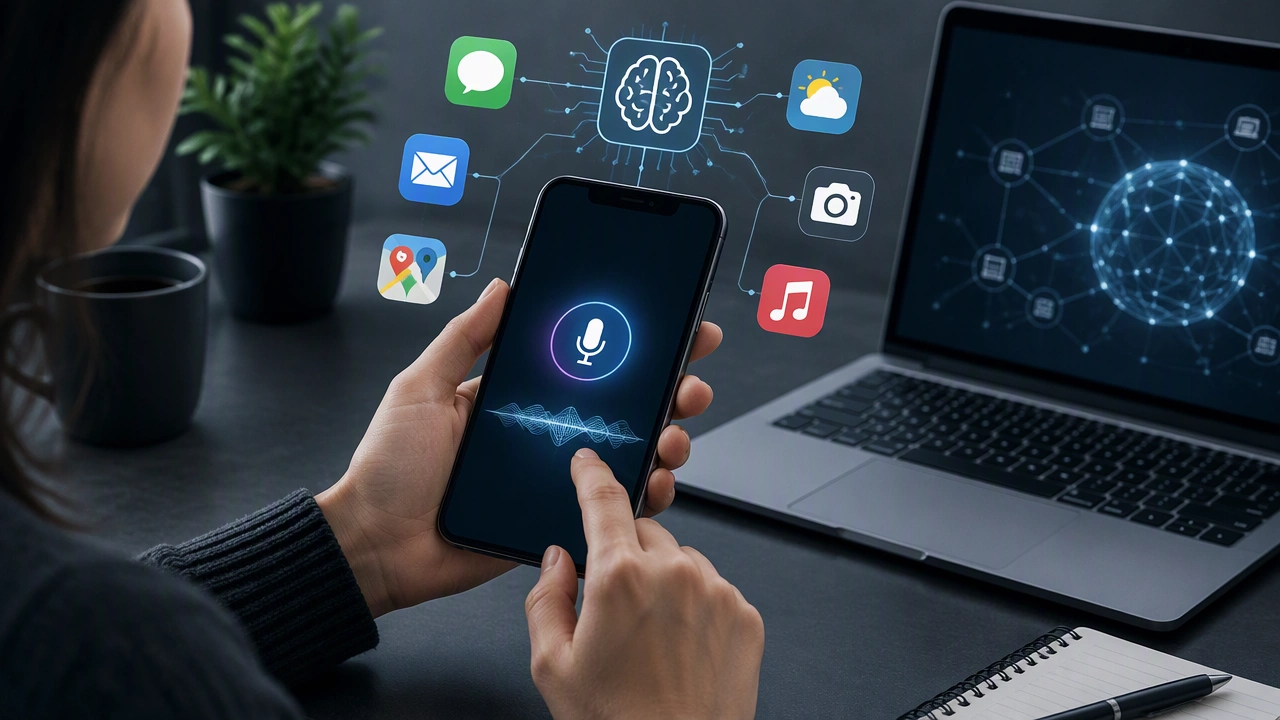
Voice assistants rely on several AI steps in sequence. First, speech recognition converts audio into text while filtering out background noise and adapting to accents. Next, a language model interprets the request, identifying the intent such as setting a timer, playing a song or checking the weather. Finally, the system connects that intent to a device, service or app and returns a spoken or on-screen answer.
Each step can fail in a different way. Recognition may mishear a name, intent detection may choose the wrong action, or a service may return incomplete information. Good requests are short, specific and free of unnecessary detail. Instead of a long sentence, try naming the action, the object and the condition: “Set a 20-minute timer for pasta” is easier to process than a casual story about dinner.
Privacy settings matter as well. Many assistants store voice history to improve recognition, while some process audio only when the wake word is detected. Review the settings on your phone or speaker, delete recordings you do not need and limit access to contacts or location when an app does not require them.
Photo editing that removes the repetitive work
Modern photo tools use computer vision to separate a person from the background, detect faces and identify scenes. Automatic adjustments then change exposure, contrast, color balance and noise based on what the model sees. Object removal tools predict what should appear behind a deleted item, while portrait modes simulate the shallow focus of a larger camera lens.
These features save time, but they are not neutral. Models can make mistakes around hair, glasses, reflections or unusual lighting. They may also smooth skin or shift colors in ways that change the character of a moment. A calm workflow is to let the tool handle routine corrections, then review the result at full size and keep a copy of the original file.
For better results, give the editor a clean image with reasonable exposure and minimal shake. Use selective adjustments for faces, skies or text instead of applying one global filter. When accuracy matters, check edges and small details manually. The goal is a useful starting point, not an unchecked automatic decision.
Everywhere else: maps, inboxes, shopping and support
The same pattern appears across many common services. Navigation apps predict travel time by combining live traffic, road geometry and historical patterns. Email systems classify messages, detect spam and suggest short replies. Shopping sites estimate delivery dates, flag likely returns and compare prices. Customer-support chatbots retrieve answers from a knowledge base, then hand the conversation to a person when confidence is low.
These systems are helpful when they reduce friction, but they can also hide uncertainty. A predicted arrival time is an estimate, not a promise. A suggested reply may miss context or tone. A product ranking may reflect business goals as well as your needs. Treat AI output as a draft or a recommendation and apply your own judgement before sending, buying or committing.
Three habits for using everyday AI well
- Give useful context. Add the destination, deadline, file type or preferred style so the system has enough information to narrow the options.
- Check important results. Verify names, numbers, addresses and facts before sharing them, especially when the output affects other people.
- Control your data. Review permissions, limit unnecessary history and use manual controls when a recommendation no longer matches your interests.
What the technology can and cannot do
Everyday AI is good at finding patterns, ranking options and turning one form of information into another. It is less reliable when a situation is rare, instructions are ambiguous or the data is incomplete. Models can repeat errors from their training examples, produce confident-sounding mistakes and change behavior when an app updates.
The practical response is neither excitement nor fear. Start with a clear task, keep a human review step for meaningful decisions and learn the small controls that shape the result. Used this way, AI becomes a quiet layer of assistance: it handles the repetitive part of an app while you keep the final say.
That is the everyday reality behind the headline technology. From the next show you are offered to the timer you set by speaking, these tools are most useful when their purpose, limits and data practices are easy to understand.